VisXL SupportGet the app

Support

Questions, problems or ideas? Email us.

Email support support@visxl.com

Analysis looks wrong?

Open the kick, tap More, then This looks wrong.

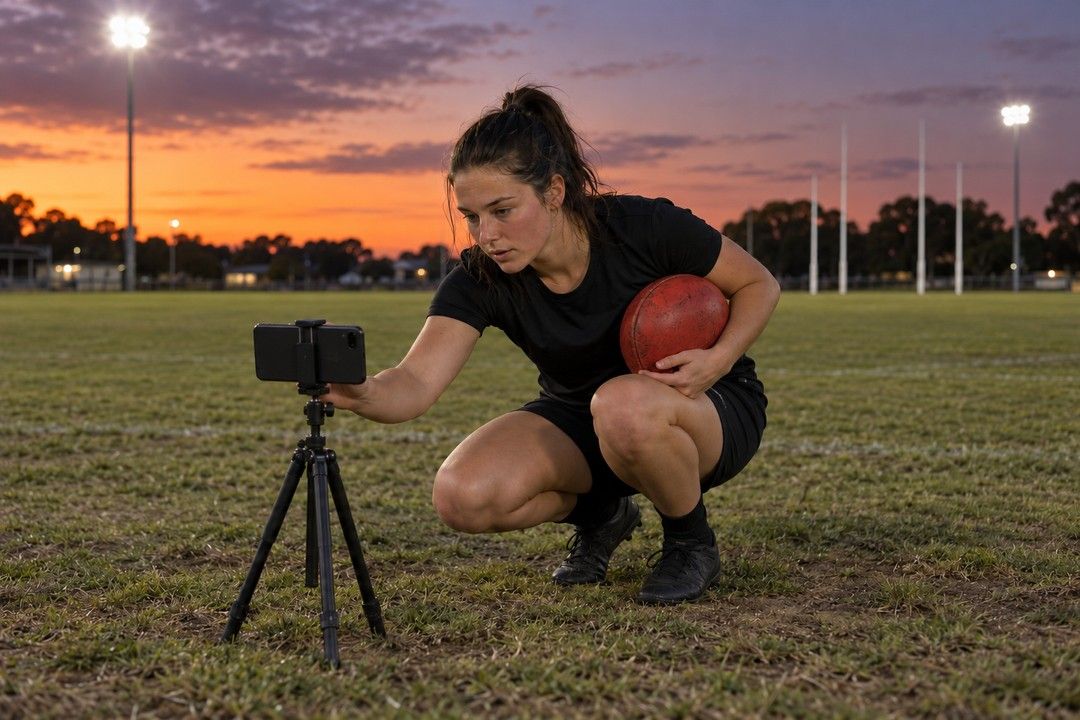
A player crouching to set up a phone on a tripod

Guides

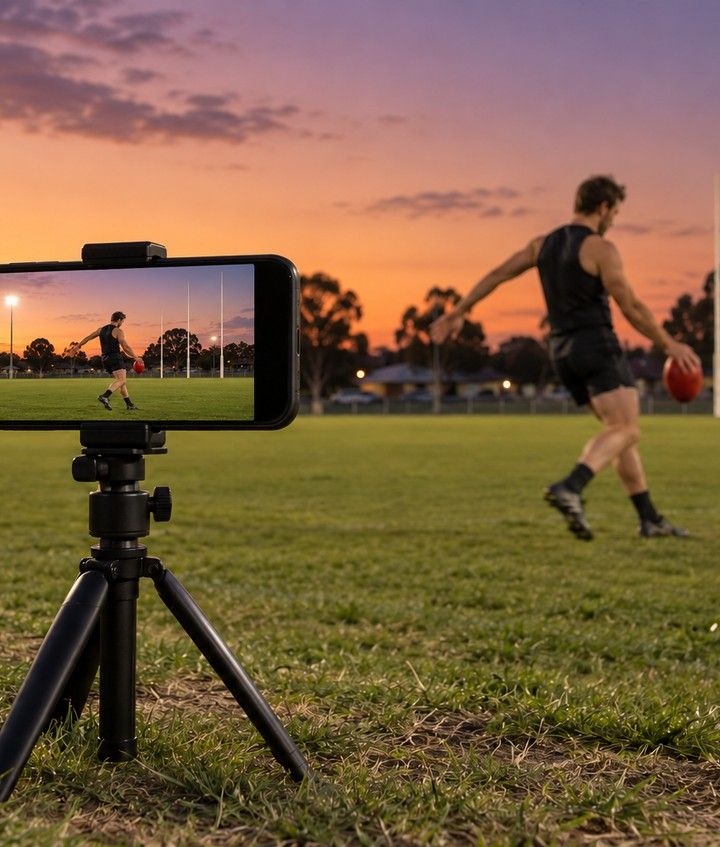
A phone on a tripod, side-on to a kicker

Set up the tripod

  1. Put two markers on the ground, 1 m apart, where you'll kick or run.
  2. Stand the tripod side-on, about [distance] m away.
  3. Set the phone landscape, about [height] off the ground.
  4. Frame your whole body, with room for the run-up.
  5. In VisXL, tap the two markers on screen.
  6. If the phone moves, VisXL asks you to tap them again.

A kicker side-on at contact, ball on the boot42°

Film a kick

  1. Pick the kick type: set shot, max distance or running kick.
  2. Film from your kicking-foot side.
  3. Tap record. After the countdown, kick. One kick per take.
  4. It stops by itself after about 10 seconds.
  5. Keep the take to analyse it, or discard it for free.
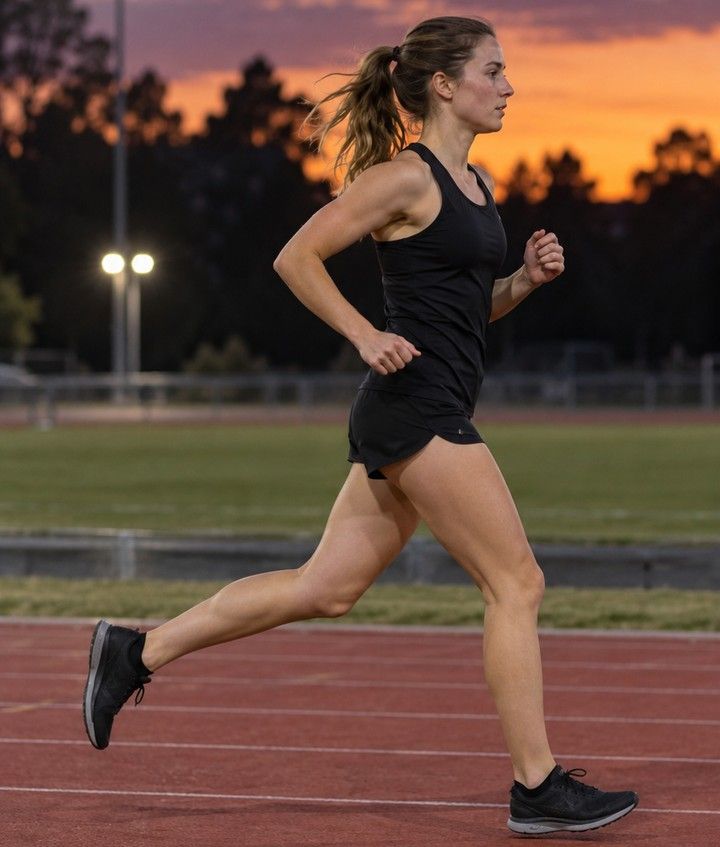
A woman running past side-on, mid-stride

Film a run

  1. Pick the pace: jog or sprint.
  2. Tap record. After the countdown, run past the camera, side-on.
  3. Keep going until you're out of frame.
  4. It stops by itself after about 8 seconds.
  5. Keep the take to analyse it, or discard it for free.

Film in good light. Low light blurs fast movement.

Account and billing